
There’s a file called sd2.mp3 sitting in a folder that used to hold a full release. No album art, no metadata, no description. On minimalist blogs with broken English, filenames like this pop up so often they’ve become a genre convention themselves. The two-letter prefix and number – sd2, sd3, sk1, mn4 – appear in distro list subdirectories, zip archives, and orphaned posts. To understand sd2, you need to know the habits of Japanese noise bloggers and the realities of cassette-era file management.
<>
The Most Likely Meaning: Side 2
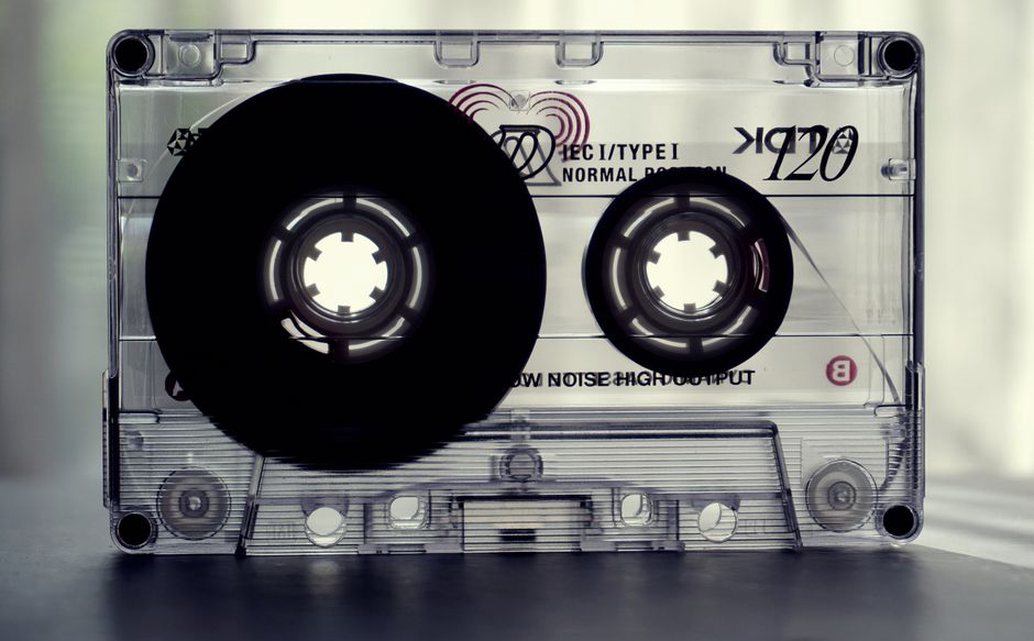
In most cases you’ll run into on Japanese noise blogs, sd is a shortened form of “side”. Cassette culture rarely bothered with track titles; instead, a release often shows up as two files – sd1.mp3 and sd2.mp3 – matching Side A and Side B of the original tape. The number 2 just means the second side. It’s not a hard rule, but it’s common enough that any collector should check that possibility first.
Why sd and not s or side? Early blog platforms had character limits on filenames, and many Japanese noise blogs ran on free services where file names could only be a few characters long. The blogger might also have avoided spaces and capital letters to keep the files working on old MP3 players. sd2 fits neatly in those constraints.
Alternative Interpretations
Not every sd2 is a side indicator. Sometimes the prefix means something else:
- Studio/Date codes:
sdcould stand for a specific studio (e.g., “Studio Disaster”) or a date (like 2004-06-SD). The number then marks the take or track number. - Distro or label initials: Some small cassette labels use a two-letter abbreviation. “S.D.” might be a label name, and “2” could mean the second release from that label. You’d need to cross-check the blog’s other uploads to confirm.
- File format legacy: SD2 is also the extension for Sound Designer II files, an old audio format on Macs. If the file is an .sd2 binary rather than a compressed MP3, it might be a raw digitisation from a 1990s Mac studio. But most
sd2files on noise blogs are MP3 re-encodes, so this one’s rare.
How to Analyze an Orphaned sd2 File
When you find sd2.mp3 with no context, try these steps:
- Check the parent directory. Look for a
sd1.mp3or any other file with the same prefix. If there’s a companion, the pair likely makes up a full cassette release. Play both in order to see if the audio matches a known tape. - Inspect the surrounding blog posts. Many Japanese noise blogs list multiple releases per entry with names like
product012.mp3ormix003.mp3. If the blog has a post dated close to the file’s timestamp that mentions a label or artist, that post might contain the missing context. As we saw in our analysis of the file ‘info soundpost feat addictedloop 2011128’, these cryptic codes often need cross-referencing multiple sources – including comments, WayBack Machine captures, and forum threads. - Look for hidden directory levels. Files named
sd2often sit inside a subdirectory named after the artist or release. That folder name might be your clue. For example, a folder calledhijokaidan_01containingsd1andsd2clearly ties the file to a specific band. - Examine the audio itself. If no text metadata survives, the audio may have spoken introductions, track splits, or noise textures that match known discographies. It’s tedious, but sometimes the only way.
< >
>
The Role of sd2 in DIY Archiving
Japanese noise blogs were never businesses. They were run by people who digitised their personal tape collections and uploaded them for a small community of listeners and traders. File-naming was informal, often made up on the spot. sd2 is a direct result of that improvisation. The blogger wanted speed, not a catalogue. A short code was enough for them to know what the file was, even if it’s baffling to a visitor years later.
This mirrors physical cassette culture: tapes rarely had elaborate covers; they were written on with a felt pen – “SD2” or “Side 2 – Live at Kissa” – and passed hand to hand. The digital filename inherits that same brevity.
Distinguishing Intentional Codes from Randomness
Not every sd2 means something. Some bloggers used automatic upload tools that generated filenames based on the date or a counter. In those cases, sd2 might be a piece of a longer filename that got truncated. Try reconstructing the original name: if other uploads on the blog follow a pattern like YYMMDD_HHMM_SD2.mp3, the letters could be a device model suffix, not a side indicator. Many of these orphan files hide on the second page of blog archives, a topic we covered in our earlier piece on hidden blog pages.
Practical Advice for Collectors
If you run a distro or personal archive, think about how you name your files. Using side_a.mp3 and side_b.mp3 might save future readers some head-scratching – but part of the charm (and frustration) of underground noise archiving is the lack of standardisation. When you hit an sd2 file, first check for a buddy sd1 in the same folder. If it’s missing, the number might still indicate side or track order – maybe the blogger only uploaded the second side. Compare the audio length: most cassette sides run 30–45 minutes. A 44-minute sd2 is almost certainly a full side. A four-minute sd2 is a track excerpt.
Document what you find. One collector traced a lone sd2.mp3 back to a 1987 live set by the band Masonna after matching the 38-minute runtime and a faint spoken intro. The file had sat unnamed for years in a blog’s “downloads” folder. That kind of recovery is possible if you check the audio length, scan the blog’s old comments, and keep a log of what you figure out. The Japanese noise underground left thousands of these orphan files. Each one holds a fragment of a performance or release that might otherwise vanish. Decoding sd2 isn’t just identifying a file – it’s piecing together a scattered, ad hoc history.