
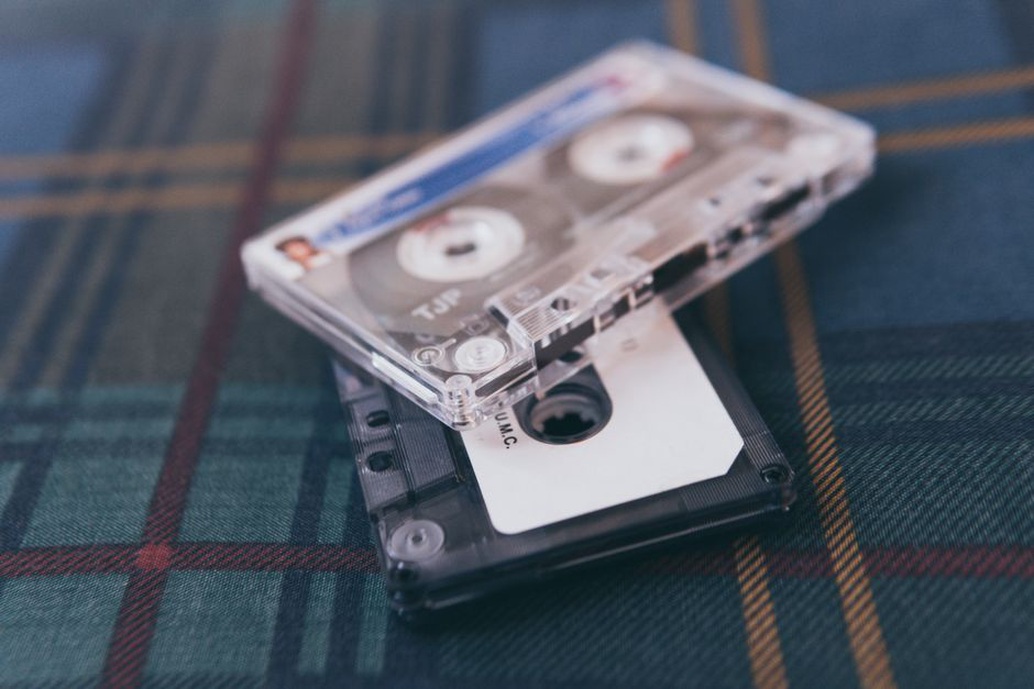
Before you rename a folder of cassette transfers, check what the old filenames are telling you. tape03_B_take2.wav may look untidy, but it records the tape, side, and take. Rename it untitled-drone.wav and you might lose the only link back to the cassette. Keep those identifiers in the new filename or in a transfer log that stays with the audio.
1. Take stock before moving files
Start where files tend to pile up: Downloads, recorder cards, external drives, cloud folders, and old session directories. Note where each batch lives and roughly how much space it takes up. Flag anything that might be the only copy, then copy it to a separate drive before renaming files in bulk or moving folders. If some files are stored only in the cloud, check that you've copied the files themselves, not just their placeholders.
- Recordings: Identify raw field recordings, cassette transfers, and multitrack sessions.
- Releases: Keep purchased downloads, listening rips, and review copies supplied by labels separate from your own masters.
- Documentation: Track down J-card scans, track lists, recording logs, credits, and any correspondence that establishes permission to publish or share the material.
2. Organize folders around what you need to find
In a listening collection, a folder for each release keeps the audio within reach of its artwork and liner notes. For an electroacoustic piece or a label project, start with a project folder and divide it by purpose: 01_Originals, 02_Sessions, 03_Exports, and 04_Documentation. Leave your audio workstation's internal folders alone unless you know how it locates media. A session can open without complaint while its clips still point to files on an old drive.
Use one Inbox as a holding area. Once you've matched a review download to its notes, move it into the release folder.
Don't make genre the only way to find a recording. A release that fits under both drone and field recording doesn't need to live in two places. Give it both tags or list both in the catalog.
3. Use filenames that make sense outside the folder
Name files for the questions you're likely to ask later. tape03_side-B_transfer-02.wav identifies the tape and side and tells you it's the second capture. pier-study_edit-v03.wav tells you which edit you're about to play. Use YYYY-MM-DD when dates help with sorting, and make clear whether the date refers to the recording, transfer, or export. If you don't know when something was recorded, leave the date unknown. The file's modification date isn't a substitute.
Try a bulk rename on a few copies first. If logs or other records refer to the old filenames, keep a list that maps them to the new ones. For Japanese releases, keep the spelling printed on the release in your catalog, even if a romanized folder name is easier to search. If you index both forms, give the romanized spelling its own field so it doesn't replace the original credit.
4. Keep the notes with the audio
A short plain-text file can hold what won't fit in a filename. For a tape transfer, note the identifier on the shell or case, the order of the sides, the transfer date, and any processing you applied. For field recordings, give as much location detail as is appropriate and mark anything that isn't cleared for public use. Keep sensitive notes out of folders you routinely share with collaborators.
Save the untouched capture separately from the restoration, even if you usually listen to the cleaned version. A continuous transfer of a tape side preserves gaps and transitions that can disappear when you split it into tracks.
When archiving a session, use the workstation's copy or collect function, if it has one, to gather the linked media. Save a reference mix and note which plug-ins you'll need to reconstruct the session.
5. Check copies before deleting duplicates
Two files with the same name and duration aren't necessarily duplicates. Matching checksums show that the files are identical byte for byte; a mismatch might mean someone changed a tag, not the audio. Check what each copy is for before deleting it. A quiet original and a level-adjusted listening copy can sound nearly identical and still serve different purposes. Leave doubtful duplicates for a second pass, and check that no active session relies on a file before you move it.
Keep a working copy, a separate backup, and an off-site copy. Sync alone won't protect you if a deletion or unwanted edit spreads to your other devices. Use a backup with version history, or disconnect the backup drive between runs.
Try restoring one project to a temporary location. With the original drive disconnected, open the restored session and check that the media and documentation are there.
6. Sort new files while you still remember the details
Clear the inbox after each batch of transfers or recordings, while you still remember where you stopped, which take you repeated, or which side was mislabeled. For a field recording, make a verified copy of the recorder card, enter your take notes, and open the copied audio before clearing the card.
For a cassette, keep the raw side capture, the separate listening tracks, and the scan in the same release folder. If the J-card and the cassette shell give different titles, transcribe both and note where each appears.