
Someone checking whether a cassette is still available should not have to hunt through a site footer for an email address. The same goes for a reader sending a correction to a review or asking permission to reproduce a photograph. Put the contact route where people can find it, and tell them what to expect once they use it.
Put the working contact method first
Give visitors a clear way to reach whoever handles the site’s messages. A published email address may suit a small music journal or label: senders can use their own mail client, keep a copy, and attach supporting material when appropriate. A form is fine too, as long as it reliably delivers messages and does not require an account. If you offer both, say whether they reach the same inbox.
Place the main contact method near the top and identify who receives it. “Editorial inquiries: the journal’s editors” tells a reader more than a button marked “Submit.” And if nobody regularly checks the social-media inbox, do not present it as the main route just because it is easy to display.
Help each message reach the right place
A contact page does not need to be a staff directory. Separate routes make sense, though, when requests need different attention. An experimental music publication might distinguish corrections, artist or label submissions, image permissions, and event information. A cassette label may want an order-problems address so a missing parcel does not get buried among demos.
Say what to include. Ask readers reporting a correction for the page title and the passage in question. For release submissions, request the artist name, format, listening access, and relevant credits. Be clear that a submission does not guarantee coverage. If unsolicited attachments are unsuitable, say so and suggest a safer way to share listening access that does not require a public upload.
Make the response expectation honest
“We reply to every message within 24 hours” is a risky promise for a volunteer-run publication. Say which requests you normally answer, and give a timeframe only if you can keep to it. If you cannot reply to every unsolicited release, say that plainly. Paid-order problems and accessibility issues may need quicker attention than pitches.
For an international readership, note which languages you can correspond in. A working time zone helps when arranging interviews or performances, but usually adds little to a general editorial inbox. Publish details that help people get in touch, not details included for show.
Keep forms short and predictable
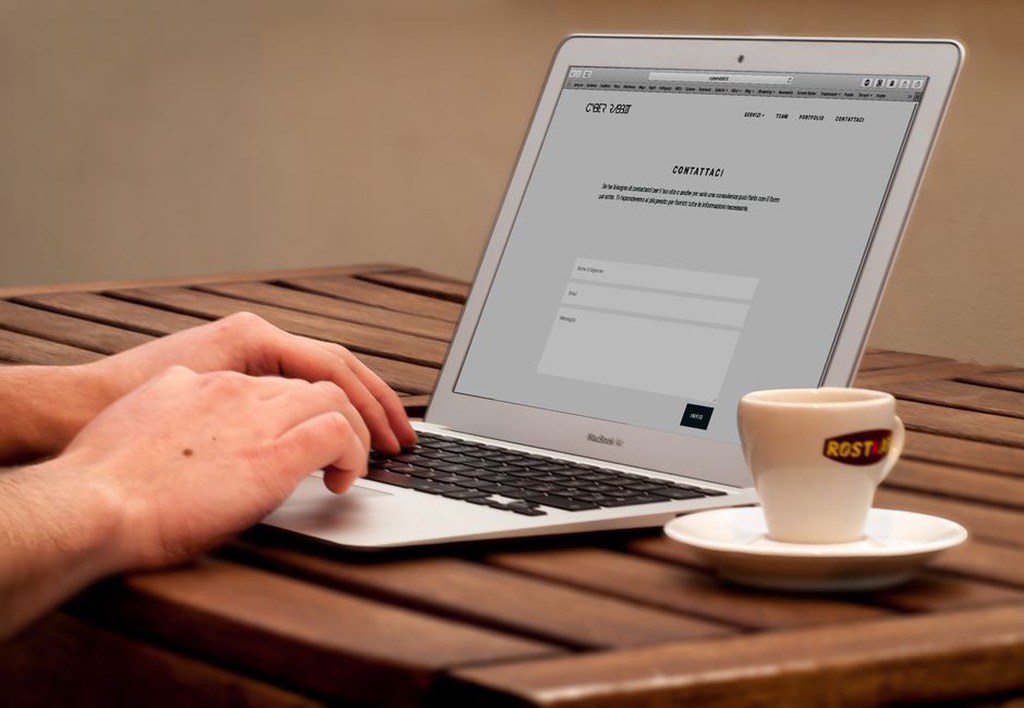
Ask only for what you need to answer: usually a name or preferred form of address, an email address, a subject, and the message. Mark optional fields as optional. Do not require a phone number, postal address, or social-media handle unless the request cannot be handled without it.
Keep labels visible rather than putting them only inside fields, where they disappear as someone types. If a submission fails, identify the problem field and explain how to fix it without wiping the message. Show a clear confirmation when the form succeeds; a silent page refresh leaves the sender guessing. An automatic receipt should confirm what happened, not promise a personal reply.
Account for privacy and unwanted mail
Explain who can access information sent through the form, what it is used for, and whether it is retained. A short note beside the form can answer the immediate question, with a fuller policy elsewhere on the site. Do not tuck a newsletter subscription into a preselected checkbox. Asking about an order or correcting a review is not consent to promotional mail.
Spam controls should not shut people out. If a challenge repeatedly fails, blocks assistive technology, or demands an unrelated account, offer another way to make contact. Treat file uploads cautiously too: they can cause security and storage problems, while large audio files may fail without a useful error. An address for discussing how to share material is often simpler than an unrestricted upload field.
Make the page accessible and easy to verify
Use a clear heading, descriptive labels, readable text, and controls people can operate with a keyboard. Do not use color alone to mark required fields or errors. Test the form on a narrow screen as well as a desktop; a submit button hidden behind a mobile overlay is no use to anyone.
Keep the organization name, contact address, and stated roles consistent with the rest of the site. If there is a physical shop or public venue, give its address only if visitors can use it, along with any access or appointment details. A journal run from a private home does not need to publish a residential address to look credible. Nor does it need a map when there is nowhere for readers to visit.
Small music scenes often run on informal exchanges, which makes boundaries especially useful. Welcome factual corrections without inviting people to send private information about others. Ask interview requests to include a subject and proposed deadline, while keeping personal phone numbers and private addresses off the page. Clear instructions also make it less likely that a sensitive request will start in a public comment thread.
Check the route after publishing
Send a test message through every listed route and check where it lands. Look at the sender’s confirmation, the spam folder, and the reply address: a form submission is much less useful if an editor cannot reply to it directly. Test again after changes to email providers, form plugins, domain settings, or staff responsibilities.
Keep a record of who monitors each inbox and who covers it when they are away. If an address changes, update the page, form notifications, and automatic receipts together. Then try sending a message from a phone using only the instructions on the page, and make sure it reaches an inbox someone reads.